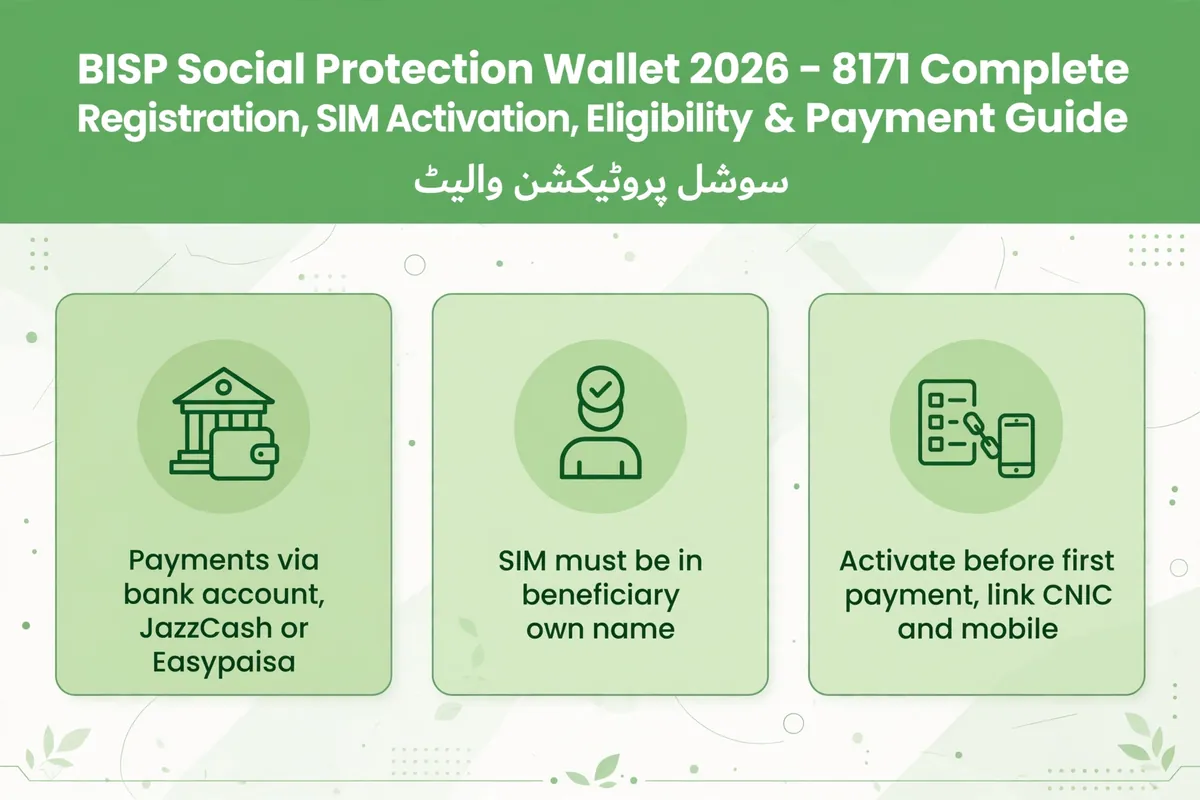
BISP Social Protection Wallet 2026 – 8171 Complete Registration, SIM Activation, Eligibility & Payment Guide
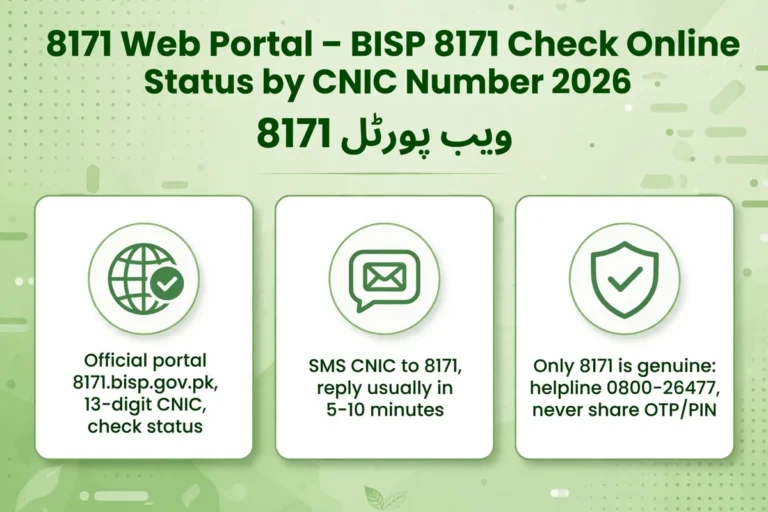
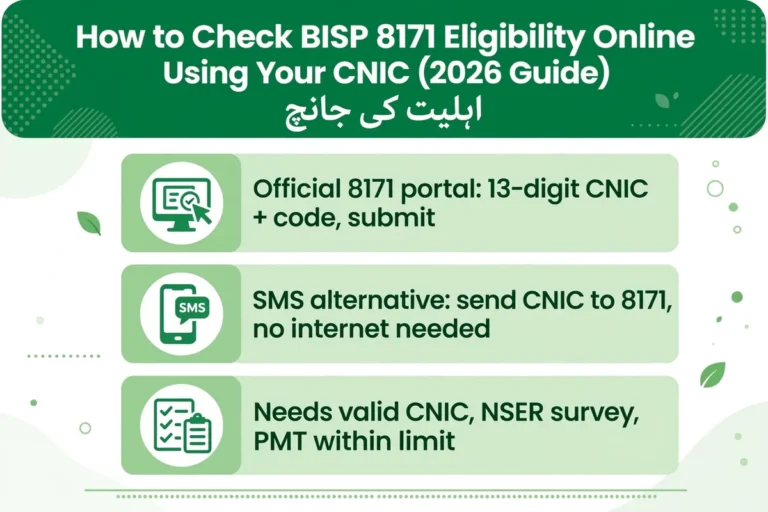
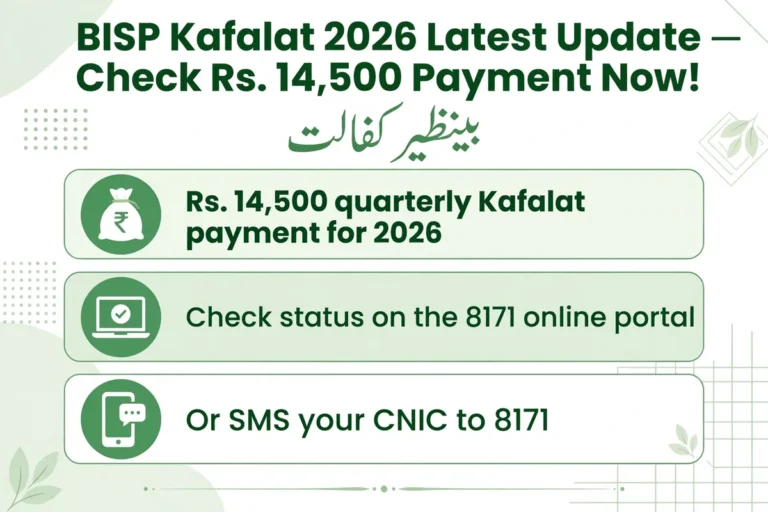
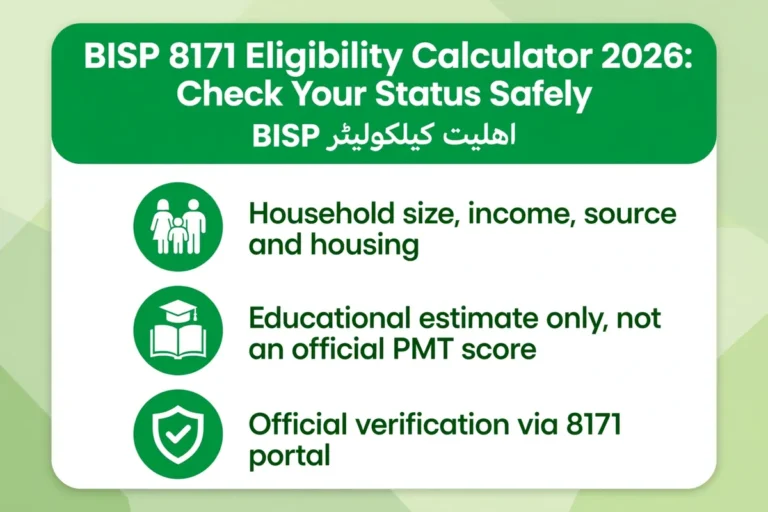
Check your eligibility only through official channels: send your CNIC by SMS to 8171 or use the official 8171 portal at 8171.bisp.gov.pk. Never enter your CNIC on an unofficial checker.
BISP 8171 Wallet Account Registration 2026 – Complete & Updated Guide
The BISP Social Protection Wallet 2026 introduces a secure digital payment system that transfers financial assistance directly to eligible beneficiaries through wallets linked with their CNIC, registered mobile SIM, and biometric verification. The system aims to improve transparency, reduce payment delays and fraud, and provide safer access to BISP payments. Beneficiaries can check their payment and wallet status through 8171, the official 8171 BISP Web Portal, or their nearest BISP Tehsil Office.
Quick Summary Table
| Feature / Detail | Details |
| Programme Name | Benazir Income Support Programme (BISP) |
| New Initiative | BISP Social Protection Wallet 2026 |
| Verification Method | Biometric (Fingerprint) + NADRA CNIC + 8171 SIM |
| Eligibility Tool | 8171 Official Portal |
| Helpline | 0800-26477 (Toll-Free) |
| Target Programs | Benazir Kafalat, Taleemi Wazaif, Nashonuma |
What Is the BISP Social Protection Wallet 2026?
The BISP Social Protection Wallet is a secure digital payment system designed to send financial assistance directly to eligible beneficiaries without unnecessary intermediaries. Each wallet is digitally created and linked with the beneficiary’s Computerized National Identity Card (CNIC), an officially designated mobile SIM card, and biometric authentication to ensure maximum security.
Through this wallet system, every transaction is digitally recorded. Beneficiaries can withdraw their funds via authorized payment channels, partner bank ATMs, and designated retail agents. The wallet has been introduced primarily for Benazir Kafalat Payment Guide and BISP Taleemi Wazaif Online Registration to modernize payment collection, prevent illegal deductions, and foster financial inclusion among Pakistani women.
Latest July 2026 Update About the Social Protection Wallet
A major operational development took place as the Benazir Income Support Programme officially expanded the phased rollout of the Social Protection Wallet System across various districts in Pakistan. This payment model is gradually replacing older campsite cash distributions by transferring quarterly financial aid directly into digital wallets.
To manage this massive transition efficiently, BISP has categorized beneficiaries into three distinct rollout groups:
Active Wallet Users: Beneficiaries whose wallets are already registered, activated, and biometrically verified. These individuals receive payments directly into their accounts without needing additional office visits.
SIM Issued but Verification Pending: Beneficiaries who have received the designated 8171 SIM card but have not yet completed biometric verification. They must complete fingerprint registration at the nearest BISP Tehsil Office to unlock their funds.
Wallet Created but SIM Not Received: Beneficiaries whose digital wallets are created in the database but who have not yet received their official BISP SIM. They are required to visit their local BISP center to collect the SIM and complete the linking process.
Important Advisory: BISP advises all beneficiaries to verify their wallet status via the 8171 portal or local Tehsil Office prior to visiting cash collection centers. Official payment notifications are dispatched strictly via SMS from 8171.
Why Did BISP Launch the Digital Wallet System?
For years, beneficiaries faced numerous hurdles at crowded cash distribution camps, including long queues, travel expenses, biometric failures, payment delays, and unauthorized agent fee deductions.
The primary objectives behind introducing the Digital Wallet System include:
Eliminating Agent Deductions: Direct wallet transfers prevent fraudulent middlemen from taking cuts from women’s stipends.
Reducing Wait Times: Eliminates the need to stand in long queues at temporary distribution camps.
Complete Transparency: Every deposit and withdrawal creates a permanent digital footprint in BISP and banking logs.
Financial Empowerment: Encourages women to manage digital accounts and gain financial independence.
Key Features of the BISP Digital Wallet
Direct Electronic Deposit: Cash transfers directly into the beneficiary’s personalized account.
Multi-Layered Security: Requires original CNIC, biometric fingerprinting, and registered SIM confirmation.
Flexible Cash-Out: Allows withdrawal from authorized ATMs, retail shops, and partner banks.
Integration Across Programmes: Supports Benazir Kafalat, Taleemi Wazaif, and BISP Nashonuma Program Registration payments simultaneously.
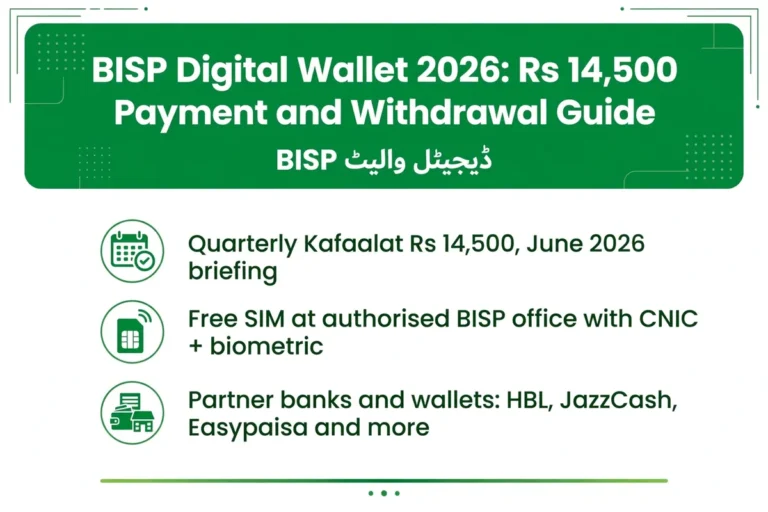
Free Official SIM: Specialized mobile SIM issued without charge to verified beneficiaries.
Eligibility Criteria for BISP Social Protection Wallet 2026
To qualify for account creation and receive payments through the digital wallet, applicants must meet the following criteria:
PMT Score: Must have a Proxy Means Test (PMT) poverty score of 32 or lower in the National Socio-Economic Registry (NSER).
Valid CNIC: Must possess an active, original, NADRA-verified CNIC.
SIM Ownership: The mobile SIM card must be registered biometrically under the beneficiary’s own CNIC.
Income Limit: Household monthly income must fall within the designated poverty threshold set by the Government of Pakistan.
Active Status: Must be an approved beneficiary in the active BISP database.
Required Documents Before Registration
Keep the following original documents ready before visiting any registration center:
Original CNIC: Valid Computerized National Identity Card (photocopies are not accepted for biometric matching).
Active Mobile Phone: Carrying the SIM registered under the beneficiary’s CNIC.
Children’s B-Form: Original Nadra B-Form (if registering children for Taleemi Wazaif).
NSER Slip / Token: Survey update receipt (if dynamic survey was recently completed).
Step-by-Step Guide: How to Check 8171 Status Online
Follow these exact steps to check your payment status, wallet readiness, or eligibility:
Open your web browser and navigate to the official portal: 8171.bisp.gov.pk.
Locate the verification form on the homepage.
Enter your 13-digit CNIC number carefully without spaces or dashes.
Input the 4-digit Captcha Code displayed in the image box.
Click the “معلوم کریں” (Find Out / Submit) button.
Your current payment status, wallet category, and balance details will display on the screen instantly.
How to Register & Activate Your BISP Wallet 2026
Registration and wallet activation are managed exclusively through official channels. Do not attempt registration through private websites or third-party apps.
Step 1: Verify Eligibility & NSER Survey
Check your status via 8171. If your survey details are outdated or expired, visit the nearest BISP Tehsil Center to update your household profile via the NSER Dynamic Survey Online Registration Guide.
Step 2: Identity & CNIC Verification
Present your original CNIC to the BISP official. The representative will verify your record against the NADRA Official Database and BISP central records.
Step 3: Collect & Link Your 8171 SIM
If you do not have the designated BISP SIM, collect it from the counter. The staff will link this specific mobile line to your digital wallet profile.
Step 4: Complete Biometric Verification
Place your thumb/fingers on the biometric scanner device. Once your fingerprint match is confirmed by NADRA, your digital wallet account will move to active status.
Step 5: Receive 8171 Confirmation
Upon successful activation, an automated SMS will be sent to your mobile phone from 8171 confirming account setup and PIN generation.
How to Withdraw Money from the Social Protection Wallet
Once your payment is deposited into the activated wallet, follow these steps to cash out:
Visit an authorized partner bank ATM, BISP collection point, or verified retail agent (e.g., HBL Konnect, Bank Alfalah agent).
Present your original CNIC and carrying mobile phone.
Provide your thumb impression on the retailer’s biometric device for identity verification.
Specify the withdrawal amount. You may withdraw the full payment or partial amounts depending on your preference.
Collect your cash and insist on receiving a system-generated printed receipt.
Partner Banks & Authorized Distribution Outlets
BISP has partnered with top financial institutions across Pakistan to facilitate smooth cash withdrawals:
HBL Konnect: Authorized retail shops and franchise locations (Punjab, Sindh, Balochistan, AJK, GB).
Bank Alfalah: Retail agents and specialized biometric ATMs (KPK, Gilgit-Baltistan).
Designated Partner ATMs: Select bank ATMs supporting biometric cash withdrawal without requiring a debit card.
Common Problems & Technical Solutions
| Problem | Cause | Solution |
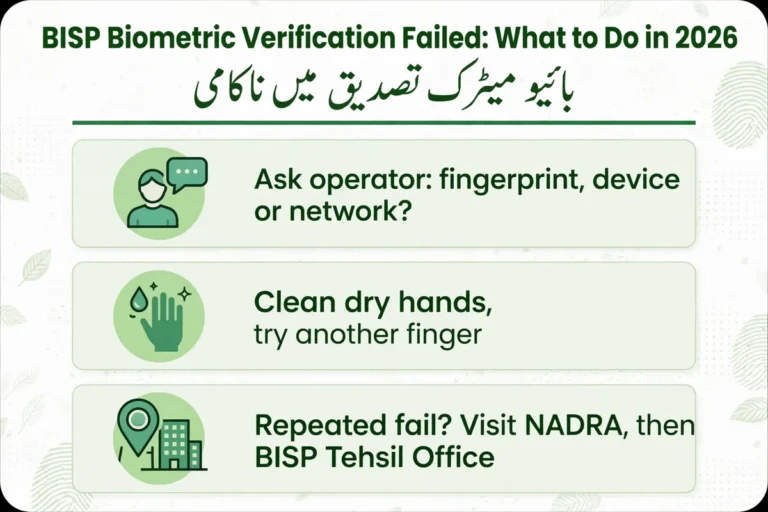
| Biometric Failure | Worn out or unreadable fingerprints | Visit NADRA Official Portal to update biometric data or request manual verification at BISP office. |
| SIM Name Mismatch | SIM registered under husband/relative’s name | Purchase a new SIM card registered strictly under the female beneficiary’s CNIC. |
| Wallet Not Activated | Pending verification or missing survey | Visit local BISP center with original CNIC for biometric linking. |
| Payment Delay | Phased release schedule | Re-check status on 8171 portal after a few days; payments release in batches. |
Safety Tips to Protect Yourself From Fraud
Trust Only 8171: Never respond to SMS messages regarding BISP money originating from standard 11-digit mobile numbers.
Zero Registration Fees: BISP registration, SIM issuance, and wallet activation are 100% FREE. Do not pay agents or office staff any fee.
Keep PINs & Biometrics Secret: Never provide fingerprint scans to unauthorized persons or roadside shopkeepers.
Verify Receipts: Always verify the printed transaction receipt to ensure no unauthorized deductions were made.
Official BISP Helpline & Contact Information
For complaints, biometric resolution, or official queries, contact BISP through official channels:
Official Toll-Free Helpline: 0800-26477
Official SMS Gateway: 8171
Official Web Portal: BISP Official Website / 8171 Portal
Headquarters Address: BISP Secretariat, Block F, G-7/2, Islamabad, Pakistan.
Related Guides
People Also Ask For
Most Asked Questions (BISP 8171 Wallet 2026)
How to check BISP 8171 money online by CNIC in 2026?
You can check your payment status instantly by visiting the official 8171 BISP Web Portal. Enter your 13-digit CNIC number without dashes, type the 4-digit captcha code, and click submit to view your current balance and status.
What is the BISP Social Protection Wallet 2026 update?
The Government of Pakistan introduced the Social Protection Wallet to deposit quarterly payments directly into biometric digital accounts linked to the beneficiary's CNIC and official 8171 SIM card, eliminating agent fee deductions and long queues.
How can I get and register the official 8171 SIM card?
Visit your local BISP Tehsil Center with your original CNIC card. Staff will perform biometric fingerprint verification and issue a specialized 8171 SIM free of charge, which automatically links to your BISP digital wallet.
How to resolve BISP biometric fingerprint verification failed issue?
If biometric matching fails at ATMs or retailer devices, update your fingerprint record at the nearest NADRA Office or visit your local BISP Tehsil Center to apply for manual verification.
What PMT score is required for BISP 8171 registration?
Your household Proxy Means Test (PMT) score must be 32 or lower in the National Socio-Economic Registry (NSER) database to qualify for BISP payment programs like Benazir Kafalat.
Which banks are authorized for BISP 8171 wallet withdrawals?
You can withdraw cash via biometric ATMs and authorized retail shop agents of HBL Konnect (Punjab, Sindh, Balochistan) and Bank Alfalah (KPK, Gilgit-Baltistan, AJK).
Can I use my personal mobile number for BISP Social Protection Wallet?
No. Under the 2026 wallet regulations, payments are strictly credited to accounts linked with a biometrically verified SIM registered exclusively under the female beneficiary's own CNIC.
How do I update my expired survey through NSER Dynamic Survey?
If your survey status is expired or inactive, visit the nearest BISP Tehsil Office with your original CNIC and children's NADRA B-Form to complete the fresh NSER Dynamic Survey.
Is BISP Wallet account registration free or are there agent charges?
The entire registration process—including SIM issuance, dynamic survey, and account setup—is 100% Free. Never pay money to any agent or roadside distributor.
How to lodge a complaint about illegal agent deductions or fake 8171 messages?
Call the official BISP Toll-Free Helpline at 0800-26477 or visit your local BISP office. Always remember that official BISP SMS notifications are sent strictly from 8171.
One Comment